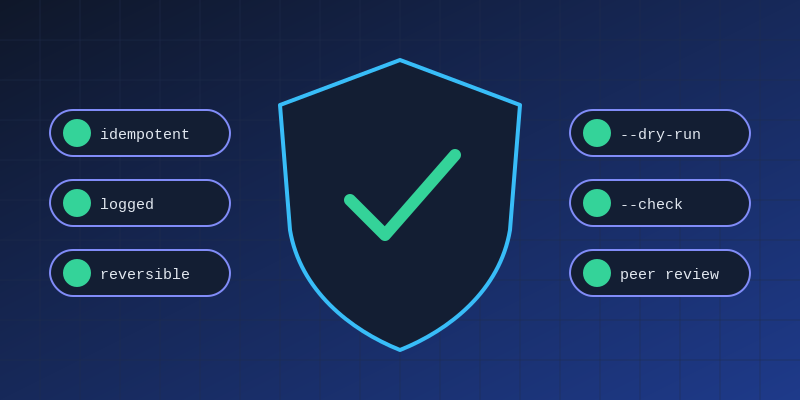
Automation is supposed to save time, but a careless script can do damage much faster than a careless human. The same loop that patches fifty servers in a minute can also misconfigure fifty servers in a minute. The good news is that a small set of habits makes automation dramatically safer. These ten strategies apply whether you use shell scripts, Ansible, PowerShell, Terraform or a scheduler of your choice.
1. Make tasks idempotent
An idempotent task produces the same result whether it runs once or ten times. "Ensure the package is installed" is idempotent; "append this line to the config file" usually is not, because each run adds another copy. Configuration-management tools such as Ansible are built around this idea, and in plain scripts you can get the same effect by checking the current state before changing it.
2. Support a dry run
Before a change touches real systems, you should be able to see what it would do. Many tools offer this directly, such as Ansible's --check mode, terraform plan or the -WhatIf parameter in PowerShell. For your own scripts, add a flag that prints intended actions instead of performing them. Reviewing a dry-run output is one of the cheapest ways to catch a mistake.
3. Keep everything in version control
Scripts, playbooks and templates belong in Git, not in someone's home directory. Version control gives you history, the ability to roll back, and a record of who changed what and why. It also makes the next strategy possible.
4. Require peer review for changes
A second pair of eyes catches wrong hostnames, missing quotes and dangerous wildcards. Pull requests make review a normal step rather than a favour. For high-impact automation, such as anything that deletes data or changes firewall rules, consider requiring review before merging.
5. Fail fast and loudly
A script that keeps going after an error can turn a small problem into a large one. In Bash, set -euo pipefail stops on errors, unset variables and failed pipeline stages. In other languages, check return codes and raise exceptions instead of ignoring them. When something fails, the output should make it obvious what failed and where.
6. Never hard-code secrets
Passwords, API tokens and private keys do not belong in scripts or repositories. Use a secrets manager, an encrypted vault (for example Ansible Vault), or environment variables injected at run time by your CI system. If a secret is ever committed by mistake, rotate it; deleting the commit is not enough, because copies of the history may already exist.
7. Log what the automation did
Every automated change should leave a trace: what ran, when, against which systems, and with what result. Logs make troubleshooting possible and help answer the classic question "did something change last night?". Sending automation logs to the same place as your system logs makes correlation much easier.
8. Roll out gradually
Run a new or changed task against a test system first, then a small group of production systems, then the rest. Ansible's serial keyword and similar features in other tools make staged rollouts easy. If something goes wrong, only a small part of the estate is affected.
9. Plan the rollback before you need it
For each automated change, know how to undo it. Sometimes that is reverting a commit and re-running the playbook; sometimes it is restoring a backup or a snapshot. Write the rollback steps down in the runbook next to the change, and test them occasionally, because an untested rollback is only a hope.
10. Limit the blast radius
Give automation the least privilege it needs. A script that rotates logs does not need permission to delete user accounts. Use dedicated service accounts, restrict which hosts a job can reach, and add explicit confirmations for destructive operations. Small permissions turn potential disasters into minor errors.
Putting it together
None of these habits require expensive tools. They are mostly discipline: check before changing, review before merging, log while running, and know how to undo. Start by applying them to the automation that runs most often or touches the most systems, and add the rest over time. Safe automation is not slower automation; it is automation you can trust enough to run without crossing your fingers.
Sysily is an independent educational site and does not sell software or services. Always test automation in a non-production environment first and follow your organisation's change-management policies.